Skip to content
Mix Directive

Desktop app

Download Mix Directive for Windows, macOS, or Linux.

Get the beta for your computer as soon as the installers are published. Install it, then register or sign in with your Mix Directive account to use all features. The beta is free, with no subscription or payment.

Desktop platforms

Windows

  • 64-bit (x64)

Installer coming soon. Create your account now and sign in once it is here.

macOS

  • Apple Silicon
  • Intel

Installer coming soon. Create your account now and sign in once it is here.

Linux

  • 64-bit (x64)

Installer coming soon. Create your account now and sign in once it is here.

First launch

If your system warns that the app is from an unidentified developer, check the SHA-256 hash, then:

macOS
Open the disk image and copy Mix Directive to your Applications folder. If macOS blocks it, open System Settings → Privacy & Security and choose Open Anyway next to the Mix Directive message, then confirm.
Windows
If Microsoft Defender SmartScreen shows “Windows protected your PC”, choose More info, then Run anyway.
Linux
Make the AppImage executable with chmod +x, or tick “Allow executing file as program” in its properties, then run it. Some distributions need libfuse2 for AppImages.

What you need

  • A free Mix Directive account. The app needs an internet connection to sign in, and during the beta it reconnects at least every two days.
  • An internet connection the first time you use stem separation, lyric alignment, or the optional local AI, while their models download.
  • FFmpeg, installed separately, only if you want to export MP3, AAC, or Ogg files.
  • The optional local AI model runs on macOS with Apple Silicon and on Windows.

Before you install

  • Back up your music and projects. Beta builds can change library and project formats.
  • Beta installers are not yet signed by Apple or Microsoft, so your system may warn you on first launch. Compare the SHA-256 hash first.
  • Third-party VST3, VST2, CLAP, and Audio Unit hosting is experimental.
  • Features can change between beta builds. Known issues

What you install

Your whole catalogue, on your own machine.

Organise your music and work on your mixes in one desktop app. Your song files stay on your computer.
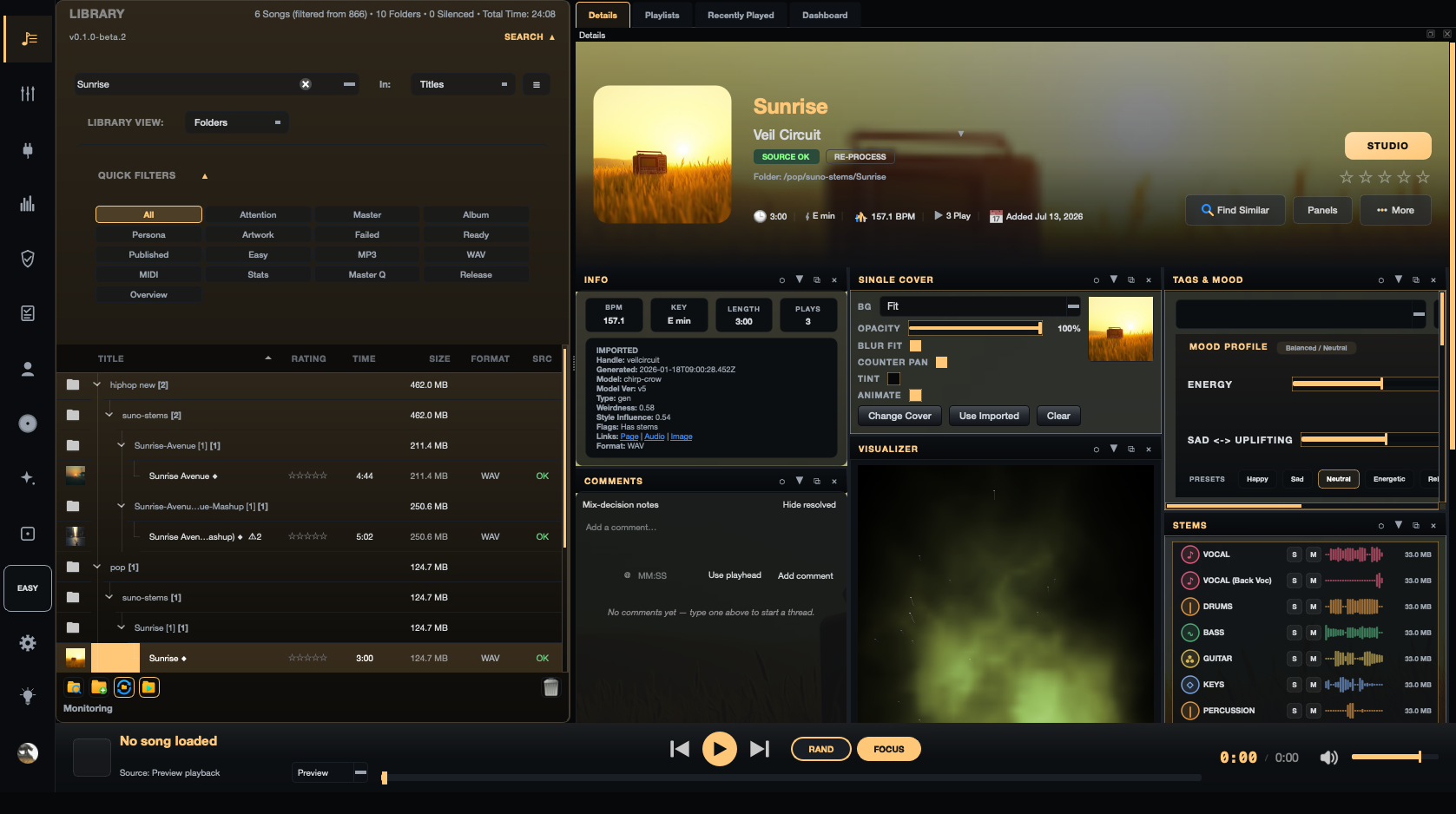
Mix Directive library showing a song with its artwork, metadata, mood controls, and multitrack stems

Get the beta.

Create account

Already registered? Sign in · Release notes